


Azure requirements
reference Facts, options, APIs
In this article, you will learn about the Azure requirements you need to meet to ensure successful installation of CluedIn SaaS.
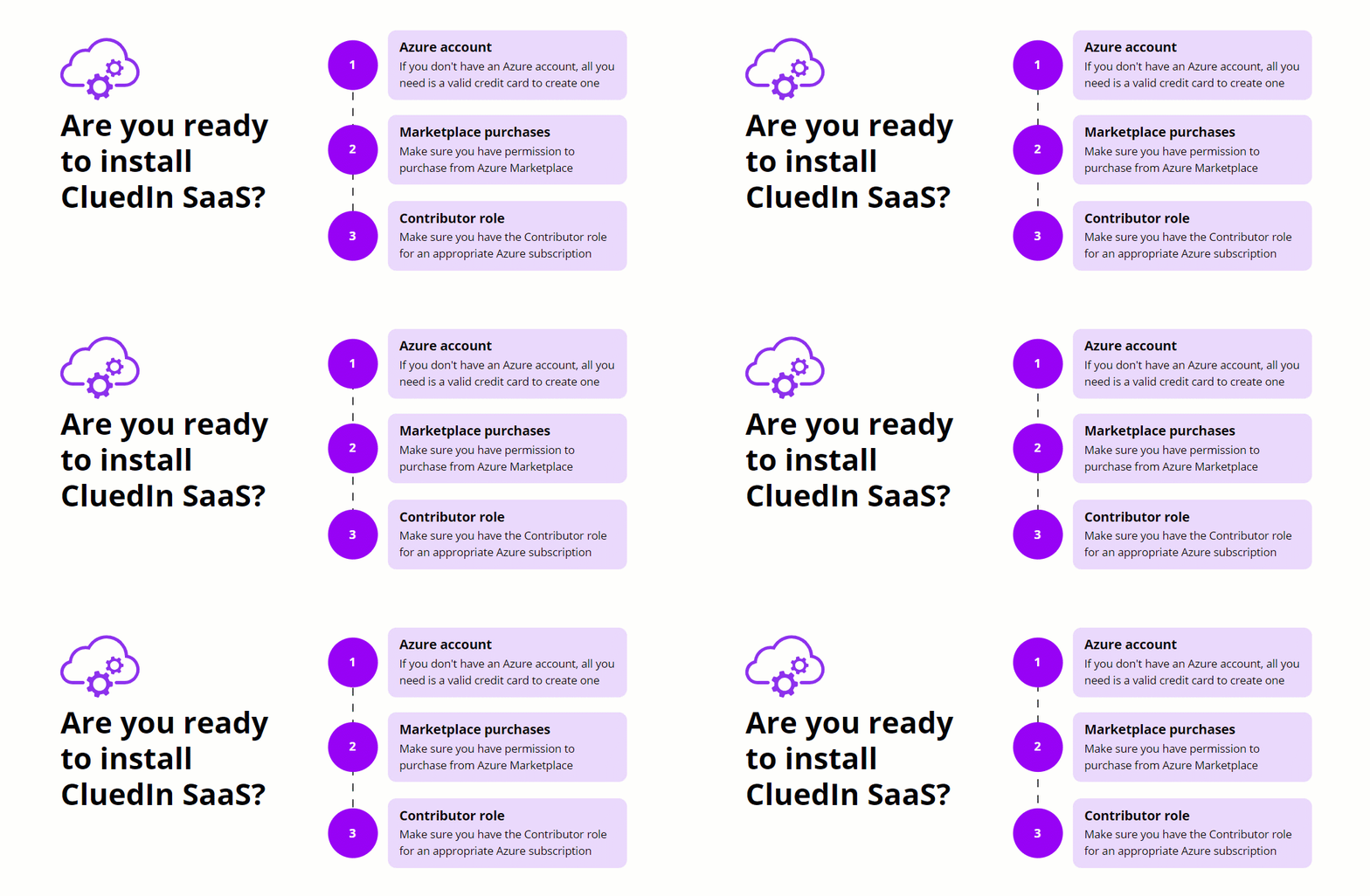
Azure account
The first requirement is an Azure account. If you already have an Azure account, you can proceed to the next requirement. If you don’t have an Azure account, you can easily create a pay-as-you-go account using a valid credit card.
Marketplace purchases and Contributor role
Make sure that you have enabled marketplace purchases and configured the required user permissions (at least Contributor) for the subscription where you want to store the CluedIn SaaS application. For more information, see Enable marketplace purchases in Azure.