


Traffic manager runbook
how-to Steps to accomplish one task
On this page
The traffic manager runbook will swap the endpoints or the traffic manager following a disaster event. The runbook will switch from the active region to the passive region (and back again).
This runbook is a PowerShell script, which CluedIn will provide as needed. This runbook should be run manually following a disaster event.
Prerequisites
- An active CluedIn cluster with a valid license (and/or a passive CluedIn cluster)
- The runbook script
- An automation account
- A storage account
- Sufficient permissions
Automation account
An automation account must be provided. The runbook will be installed into the automation account. Typically, the runbook should only be run following a disaster event and after discussions with relevant stakeholders.
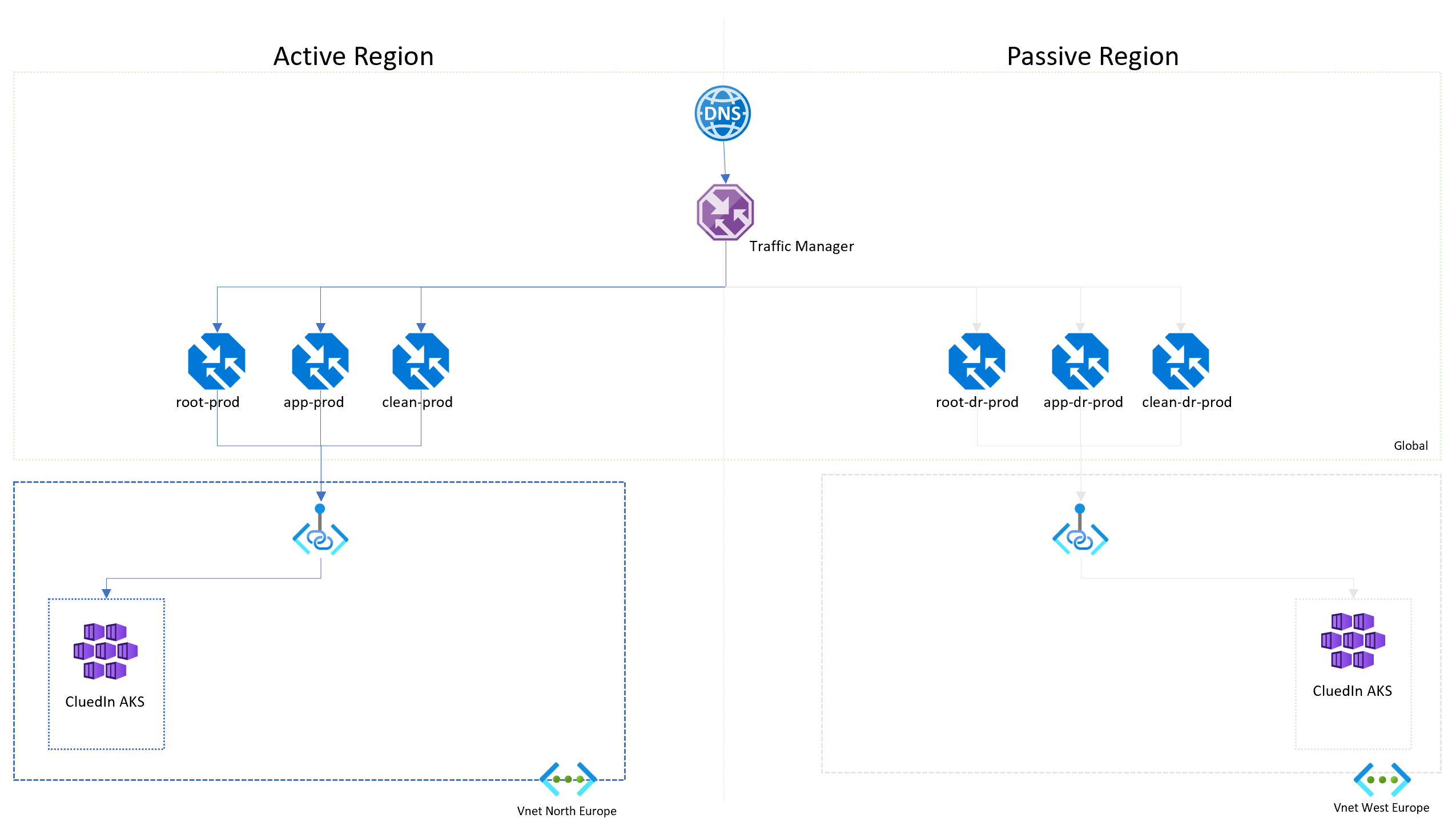
Input parameters
| Parameter | Default | Description |
|---|---|---|
| Subscription | required | ID of the Azure subscription where the traffic manager is located |
| ResourceGroupName | required | Name of resource group where the traffic manager is located |
| FailToDRDR | true | Move to the DR endpoints; when false move back to original endpoints |
Process
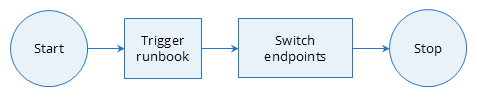
Scaling down of the DR environment following a successful restore is optional.