
Connect CluedIn to Microsoft Fabric
how-to Steps to accomplish one task
On this page
In this article, you will learn how to load data from CluedIn to a Microsoft Fabric notebook, do basic data exploration and transformation, and save data in a Delta Lake table.
Prerequisites
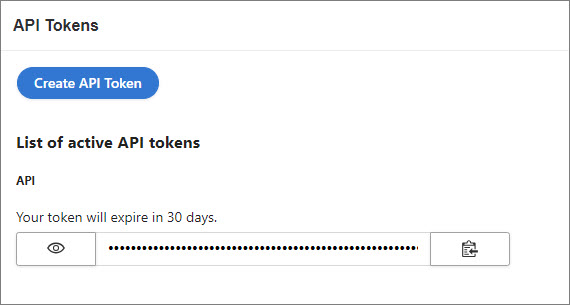
To connect CluedIn to Microsoft Fabric, you need an active API token. You can create an API token in CluedIn in Administration > API tokens.
Load data
In the following procedure, we’ll use a CluedIn instance that has 601_222 entities of /IMDb/Title entity type.
To load data from CluedIn to a Microsoft Fabric notebook
-
Install the
cluedinlibrary.%pip install cluedin==2.2.0 -
Import the following libraries.
import pandas as pd import matplotlib.pyplot as plt import cluedin -
Provide the URL of your CluedIn instance and the API token.
# CluedIn URL: https://foobar.mycluedin.com/: # - foobar is the organization's name # - mycluedin.com is the domain name cluedin_context = { 'domain': 'mycluedin.com', 'org_name': 'foobar', 'access_token': '(your token)' } -
Pull one row from CluedIn to see what data you have.
 # Create a CluedIn context object.
 ctx = cluedin.Context.from_dict(cluedin_context)

 # GraphQL query to pull data from CluedIn.
 query = """
 query searchEntities($cursor: PagingCursor, $query: String, $pageSize: Int) {
   search(
     query: $query
     cursor: $cursor
     pageSize: $pageSize
     sort: FIELDS
     sortFields: {field: "id", direction: ASCENDING}
   ) {
     totalResults
     cursor
     entries {
       id
       name
       entityType
       properties
     }
   }
 }
 """

 # Fetch the first record from the `cluedin.gql.entries` generator.
 next(cluedin.gql.entries(ctx, query, { 'query': 'entityType:/IMDb/Title', 'pageSize': 1 }))
You will get an output similar to the following.
 {'id': '00001e32-9bae-53b9-a30f-cf30ed66c360',
  'name': 'Murder, Money and a Dog',
  'entityType': '/IMDb/Title',
  'properties': {'attribute-type': '/Metadata/KeyValue',
   'property-imdb.title.endYear': '\\N',
   'property-imdb.title.genres': 'Comedy,Drama,Thriller',
   'property-imdb.title.isAdult': '0',
   'property-imdb.title.originalTitle': 'Murder, Money and a Dog',
   'property-imdb.title.primaryTitle': 'Murder, Money and a Dog',
   'property-imdb.title.runtimeMinutes': '65',
   'property-imdb.title.startYear': '2010',
   'property-imdb.title.tconst': 'tt1664719',
   'property-imdb.title.titleType': 'movie'}}
For performance reasons and to avoid collisions, sort the results by a unique field—for example, Entity ID—in the GraphQL query.
sort: FIELDS sortFields: {field: "id", direction: ASCENDING} -
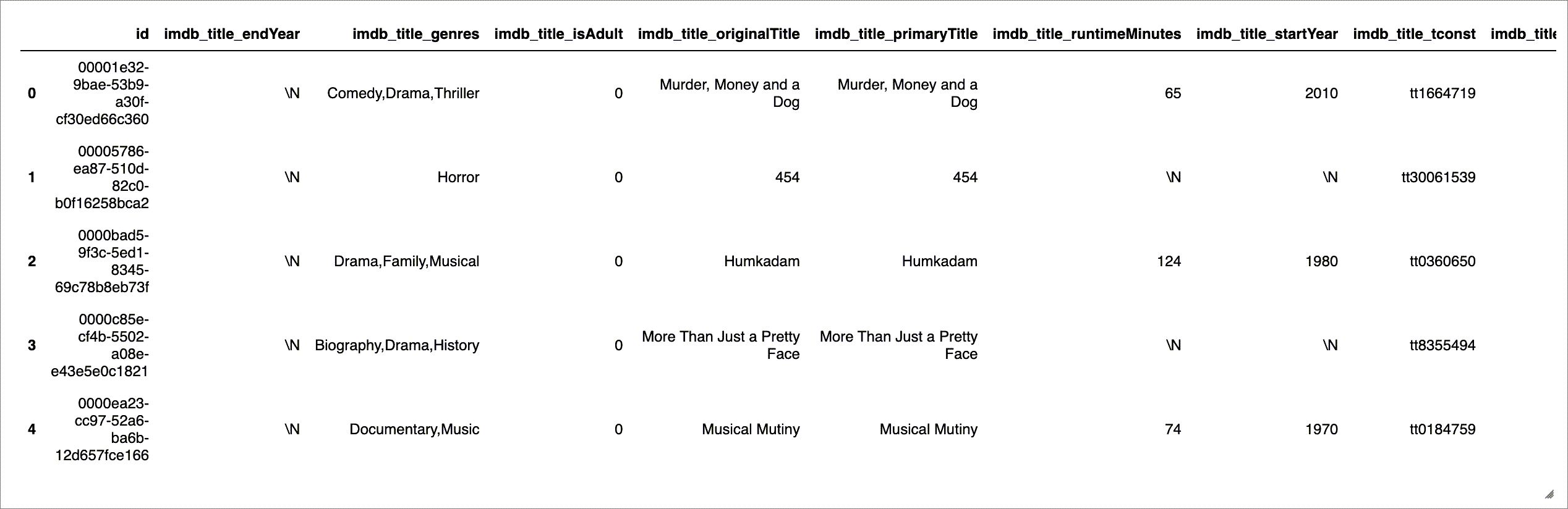
Pull the whole data set in a pandas DataFrame. To make it compatible with the Spark schema, flatten the properties, remove unnecessary property name prefixes, and replace dots with underscores.
 ctx = cluedin.Context.from_dict(cluedin_context)

 query = """
 query searchEntities($cursor: PagingCursor, $query: String, $pageSize: Int) {
   search(
     query: $query
     sort: FIELDS
     cursor: $cursor
     pageSize: $pageSize
     sortFields: {field: "id", direction: ASCENDING}
   ) {
     totalResults
     cursor
     entries {
       id
       properties
     }
   }
 }
 """

 def flatten_properties(d):
     for k, v in d['properties'].items():
         if k == 'attribute-type':
             continue

         if k.startswith('property-'):
             k = k[9:] # len('property-') == 9

         k = k.replace('.', '_')

         d[k] = v

     del d['properties']

     return d

 df_titles = pd.DataFrame(
     map(
         flatten_properties,
         cluedin.gql.entries(ctx, query, { 'query': 'entityType:/IMDb/Title', 'pageSize': 10_000 })))

 df_titles.head()
You will get an output similar to the following.
-
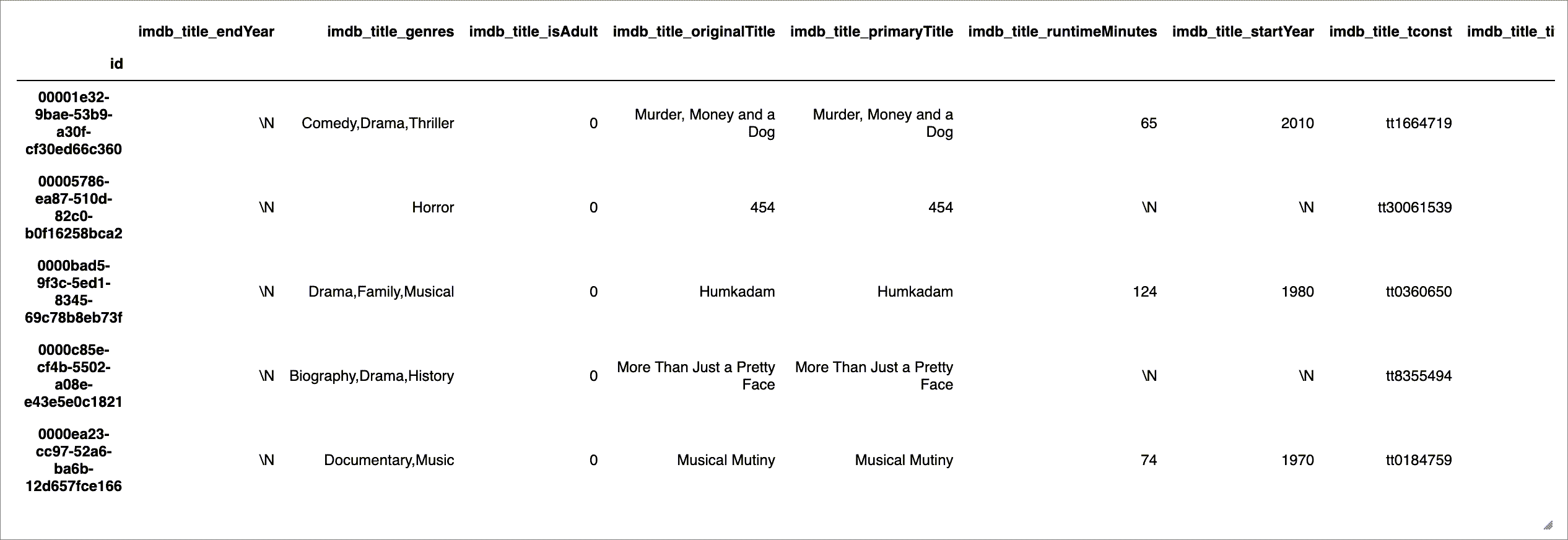
Set the DataFrame’s index to Entity ID.
 df_titles.set_index('id', inplace=True)
 df_titles.head()
You will get an output similar to the following.
Explore data
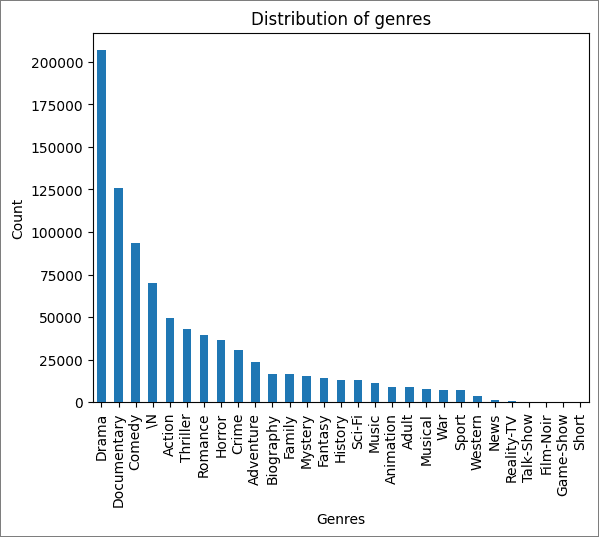
You can display some summaries and visualizations of the data in a Microsoft Fabric notebook. In the following example, you can see the visualization of movies by genre.
df_titles['imdb_title_genres'].str.split(',', expand=True).stack().value_counts().plot(kind='bar')
plt.title('Distribution of genres')
plt.xlabel('Genres')
plt.ylabel('Count')
plt.show()
Create schema
To view the data in the Catalog, you need to create a schema. Mind that in the following example, imdb_title_genres is a string, not an array, so we need to split it.
from pyspark.sql import SparkSession
from pyspark.sql.types import StructType,StructField, StringType, ArrayType, IntegerType
from pyspark.sql.functions import split

spark = SparkSession.builder.getOrCreate()

schema = StructType([
    StructField('id', StringType(), True),
    StructField('imdb_title_endYear', StringType(), True),
    StructField('imdb_title_genres', ArrayType(StringType()), True),
    StructField('imdb_title_isAdult', StringType(), True),
    StructField('imdb_title_originalTitle', StringType(), True),
    StructField('imdb_title_primaryTitle', StringType(), True),
    StructField('imdb_title_runtimeMinutes', StringType(), True),
    StructField('imdb_title_startYear', StringType(), True),
    StructField('imdb_title_tconst', StringType(), True),
    StructField('imdb_title_titleType', StringType(), True)
    ])

df_spark_titles = spark.createDataFrame(df_titles)

df_spark_titles = df_spark_titles.withColumn('imdb_title_genres', split(df_spark_titles.imdb_title_genres, ','))

spark.sql('CREATE DATABASE IF NOT EXISTS cluedin')

df_spark_titles.write.mode('overwrite').format('parquet').saveAsTable('cluedin.imdb_titles', schema=schema)
display(df_spark_titles)
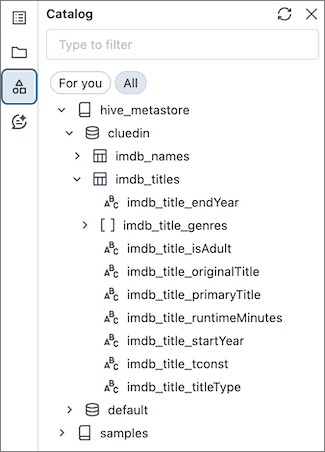
Now, you can view the data in the Catalog.